How to Check If ChatGPT Can See Your Website (Free Test)
A 5-minute test to check if AI search engines can access and cite your site — plus exactly what to fix if they can't. Run the free audit.
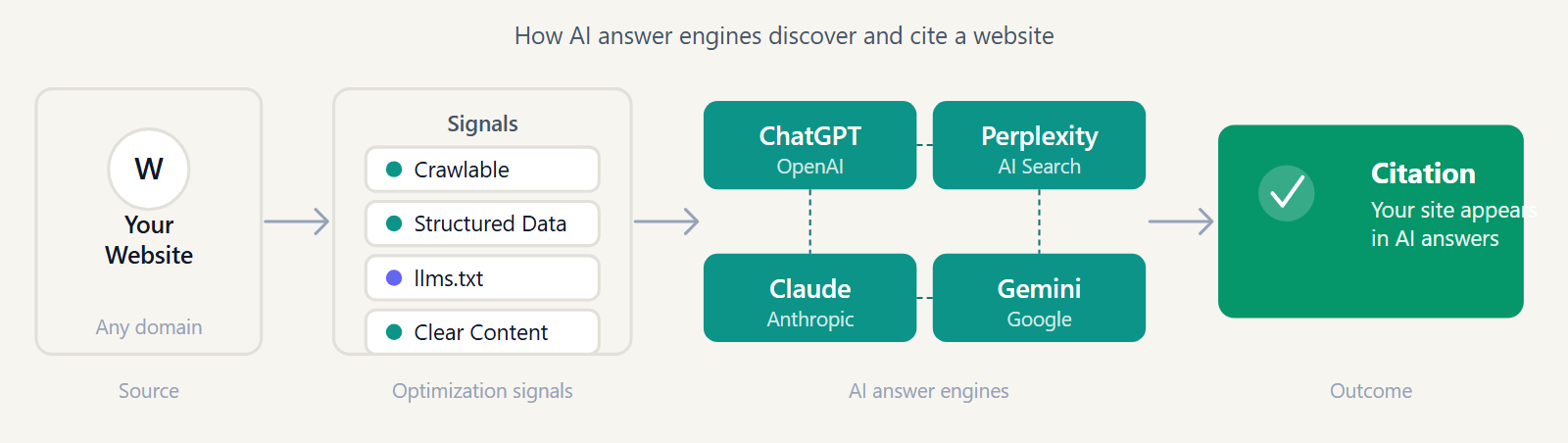
If ChatGPT can't see your website, it can't recommend it — no matter how good your content is. The good news: checking whether that's actually happening takes about five minutes, and most of the time the fix is a single line of text.
Why your website might already be invisible to ChatGPT
There are four common reasons a site never shows up in AI answers: a robots.txt rule that blocks AI bots (often added by accident during a WordPress security plugin update), no llms.txt file pointing crawlers to your best content, content that only renders after JavaScript runs (many AI crawlers don't execute JS reliably), or simply never having been crawled yet because nothing links to the page.
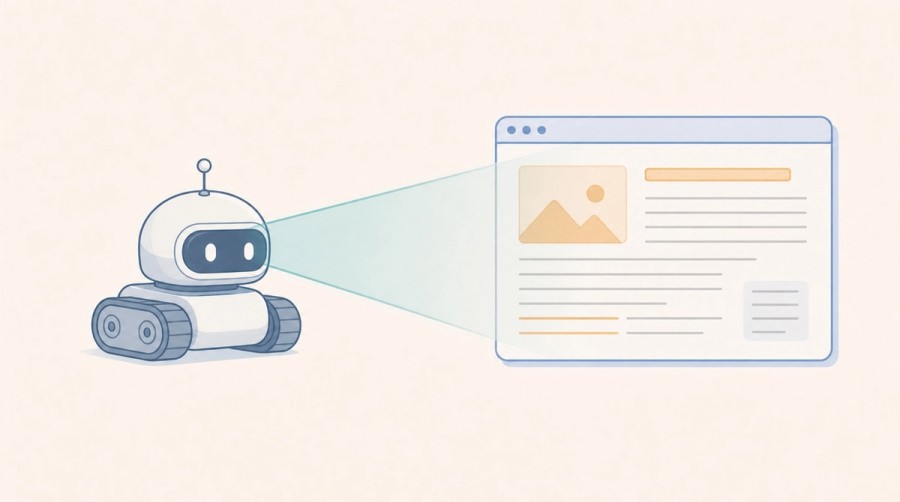
The 5-minute test
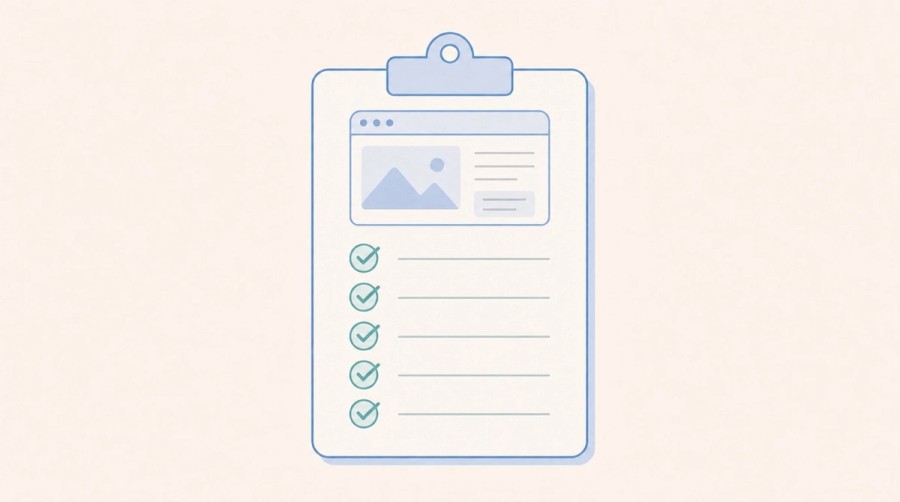
Step 1: Check your robots.txt for AI bot rules
Open yoursite.com/robots.txt in a browser and look for lines mentioning GPTBot, PerplexityBot, ClaudeBot, or a blanket User-agent: * / Disallow: / rule. See our full list of 27 AI crawlers and how to configure each for the complete reference.
Step 2: Simulate an AI crawler request
Run this from a terminal, swapping in your own domain:
curl -A "Mozilla/5.0 (compatible; GPTBot/1.1; +https://openai.com/gptbot)" -I https://yoursite.com/A 200 status means the page loaded normally for that bot. A 403 or 999 means something in your server, CDN, or WAF is actively blocking it — this happens even when robots.txt itself looks fine, because firewalls and bot-protection services often maintain their own blocklists.
Step 3: Check if your content needs JavaScript to appear
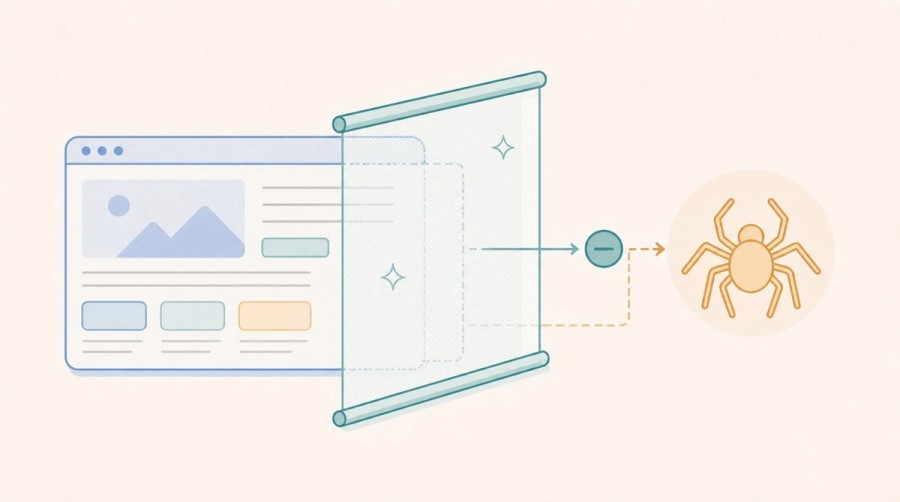
Right-click any page and choose "View Page Source." If your main content — headings, paragraphs, product details — is missing from that raw HTML and only appears after the page fully renders in a browser, most AI crawlers will miss it too. Server-side rendering or static generation fixes this.
Step 4: Look for an llms.txt file
Check yoursite.com/llms.txt. It's not required, but it's the clearest signal you can give AI systems about which pages matter most on your site. If you don't have one yet, here's what it is and why it helps.
Step 5: Run an automated check
If you'd rather skip the manual steps, GeoReady's free AI Citation Checker runs all four checks against your URL in about ten seconds and tells you exactly what's blocking you, if anything.
What to do if ChatGPT can't see your site
- Remove or narrow any blanket "disallow all" rule in robots.txt and explicitly allow the AI bots you want.
- Add an llms.txt file pointing to your highest-value pages.
- Move critical content out of client-side-only JavaScript rendering.
- Add structured data (Article, FAQPage, Organization) so AI systems can parse your content unambiguously.
For the full picture beyond this one test, see our complete guide to Generative Engine Optimization.
Apply this guide
Check whether ChatGPT can understand and cite your site.
Start with the ChatGPT visibility path when the goal is brand mentions, answer inclusion, and source eligibility in ChatGPT-style answers.
- Best for prompts where ChatGPT should mention the brand or cite the domain.
- Next metric: visibility by prompt cluster, not only organic sessions.
Frequently asked questions
Does ChatGPT crawl websites in real time?
Not exactly. ChatGPT's browsing and search features rely mainly on OAI-SearchBot and a Bing-powered index, while GPTBot is a separate crawler OpenAI uses to gather training data. A site can block one and still allow the other — they are configured as separate user-agents in robots.txt.
What is GPTBot and why does it matter?
GPTBot is OpenAI's crawler for collecting training data. If your robots.txt disallows GPTBot, your content won't be used to train future models, but this is a separate setting from whether ChatGPT can cite your pages in a live search answer.
Can I block ChatGPT's training crawler but still appear in ChatGPT search results?
Yes. Disallow GPTBot specifically while leaving OAI-SearchBot allowed. They're distinct user-agents, so you can opt out of training data collection without losing citation visibility.
How often should I re-test AI crawler access?
Re-test after any site migration, CMS update, CDN/WAF change, or robots.txt edit — these are the most common causes of an AI bot suddenly losing (or gaining) access.
Get the monthly State of GEO report
AI search readiness benchmarks, adoption stats, and the actions that move the needle — delivered monthly. No spam.
By submitting, you agree to receive the monthly GeoReady newsletter: benchmark data from the State of GEO dataset, practical GEO guidance, and product updates. You can unsubscribe anytime. See our Privacy Policy.