llms.txt for WordPress and AI visibility: a practical guide
llms.txt helps AI tools understand your site. What it is, what it does, and how to implement it on WordPress — manually, via functions.php, or a plugin.
What is llms.txt?
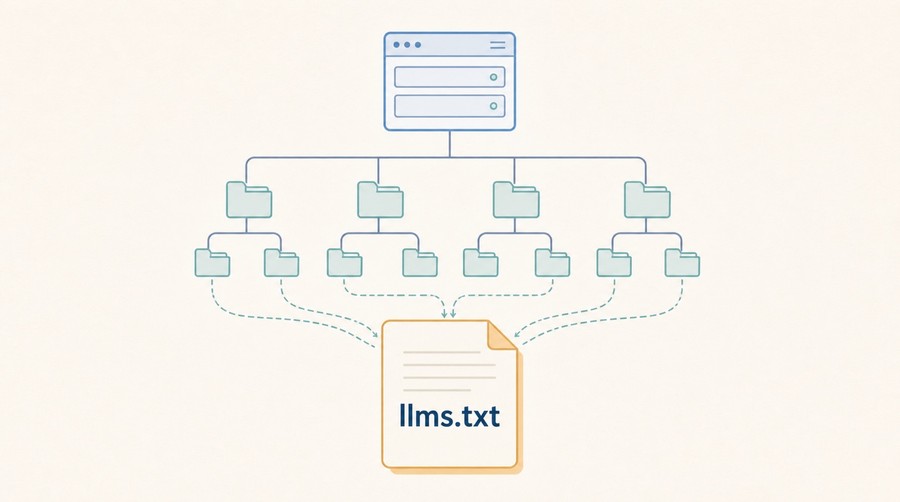
llms.txt is a convention proposed by Jeremy Howard in late 2024. The idea: place a plain-text file at yourdomain.com/llms.txt that lists your site's important URLs along with short descriptions, giving AI tools a curated map of your content.
The analogy is robots.txt for classic crawlers, or humans.txt for people — a discoverable convention rather than a formal standard. Unlike robots.txt, it's purely informational: it doesn't block or allow anything.
There's also an extended form: llms-full.txt, which contains the full text of your content for tools that want to ingest it directly. This guide focuses on the standard llms.txt index file.
What it actually does — and doesn't
Be realistic about the scope:
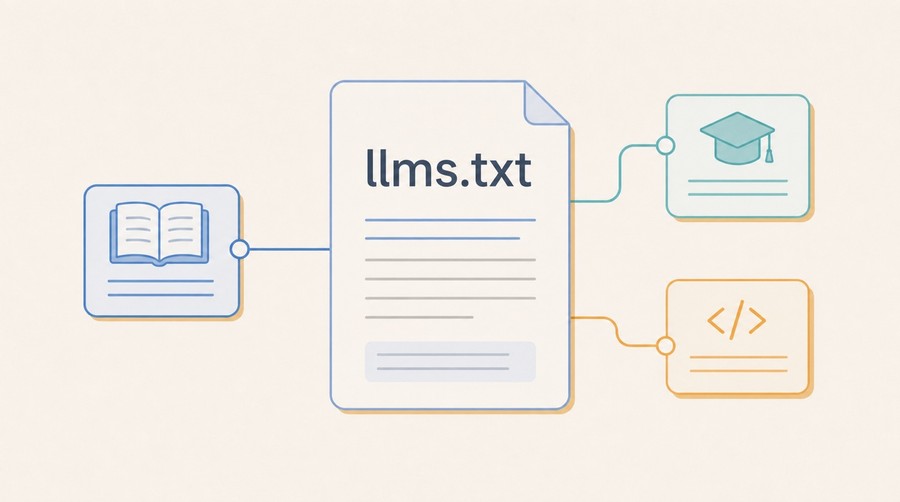
- It helps LLM-powered tools that explicitly read it — Claude's Projects feature, some RAG pipelines, research assistants, and tools built on the llms.txt spec.
- It's not a ranking signal for ChatGPT, Perplexity, or Gemini web search. Those engines use their own crawlers and retrieval systems; they don't consult your llms.txt when answering queries.
- It makes your priorities explicit — even if a tool doesn't read it, writing it forces you to decide which pages are your most important.
- It's low risk. A bad llms.txt won't hurt your SEO or block any crawler. The worst case is that tools ignore it.
In short: it's worth doing because the upside is real (better context for tools that do read it) and the cost is an hour of work.
The llms.txt format
The file uses Markdown. The basic structure:
Rules of thumb:
- Use H1 for your site name, H2 for categories of pages.
- The blockquote (
>) under the H1 is the site summary — make it clear and factual. - Keep descriptions to one sentence. They're context, not marketing copy.
- Include your most important pages. Don't try to list everything.
- Optionally link to an
llms-full.txtat the bottom if you have one.
Implementing on WordPress
Option 1: manual file upload (simplest)
Create a plain text file named llms.txt, write your content using the format above, and upload it to the root of your web server (same directory as wp-config.php and robots.txt). That's it.
To verify: visit yourdomain.com/llms.txt in a browser. You should see plain text. If WordPress tries to serve a 404 page instead, check that the file is in the true root directory, not in wp-content.
Option 2: serve via functions.php or a plugin
If you're on a managed host where FTP access to the root is restricted, you can serve the file via WordPress itself. Add this to your theme's functions.php or a site-specific plugin:
After adding this, go to Settings → Permalinks in WordPress and click Save (this flushes rewrite rules without changing anything). Then visit yourdomain.com/llms.txt to verify.
Option 3: dedicated plugins
Several WordPress plugins now generate llms.txt automatically by reading your pages, posts, and custom post types. Search the WordPress plugin directory for "llms.txt" to see current options. Verify what the plugin outputs before relying on it — auto-generated files often include too many low-priority pages.
What to include — and what to skip
Include
- Your homepage — with a description of what your site is and who it's for.
- Core product or service pages — what you offer, concretely.
- High-value content: guides, documentation, research, long-form articles.
- About and contact pages — helps with entity associations.
- Your most important landing pages.
Skip
- Login, register, checkout, account, cart pages.
- Pagination pages (
/page/2/, etc.). - Tag and category archive pages unless they have real editorial content.
- Any URL with query parameters or session state.
- Pages you'd noindex in SEO.
Keeping it up to date
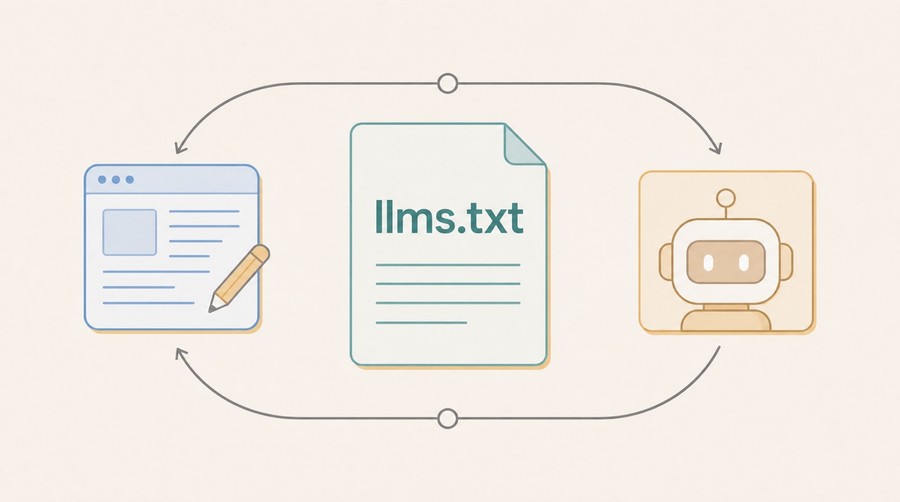
If you upload a static file, update it when you publish major new content. It doesn't need to be real-time — treating it like your sitemap (update it when something meaningful changes) is fine.
If you generate it dynamically via a plugin or functions.php, consider pinning the most important pages explicitly rather than auto-generating from all content. Auto-generation tends to produce noisy files that dilute the signal.
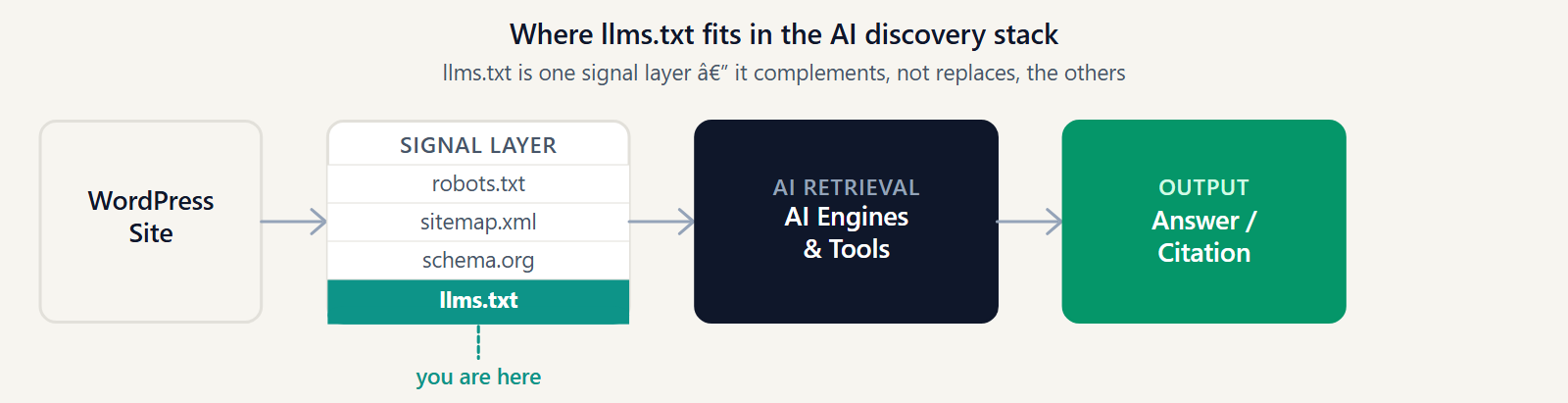
Where llms.txt fits in your AI visibility stack
Think of it as one layer in a broader strategy:
- Crawlability — the foundation. AI crawlers need to reach your pages at all. See our ChatGPT/Perplexity guide for the full checklist.
- Structured data (schema.org) — helps engines understand entities and relationships. Works for both classic SEO rich results and AI.
- llms.txt — a curated map for LLM tools. Complements, doesn't replace, structured data.
- Content quality — the most important layer. A perfect llms.txt pointing to thin content won't get you cited.
- Monitoring — track whether your changes move your AI visibility score over time.
See the full stack in the AI visibility checklist and the GEO vs SEO comparison.
Further reading
- How to make your website appear in ChatGPT and Perplexity sources — full technical checklist.
- GEO for Webflow: the same setup on Webflow, where llms.txt can be uploaded natively.
- GEO vs SEO: what changes when AI becomes the interface.
- AI Visibility Checklist — all signals in one place.
- The research behind these guides: GEO Optimizer research foundation.
- Our take on why AI visibility should be auditable: the manifesto.
Apply this guide
Find the technical blockers before adding more content.
Run the audit when the guide points to crawler access, structured data, llms.txt, or parsing issues that can stop AI systems from using the page.
- Best for crawlability, schema, robots.txt, and llms.txt work.
- Next metric: pass/fail technical signals before content rewriting.
Frequently asked questions
Does llms.txt directly improve ChatGPT or Perplexity rankings?
No. It's not a ranking signal for ChatGPT, Perplexity, or Gemini web search — those engines use their own crawlers and retrieval systems. It helps tools that explicitly read the file, like Claude Projects and some RAG pipelines.
What's the easiest way to add llms.txt to a WordPress site?
Upload a plain text file named llms.txt to the root of the web server, in the same directory as wp-config.php and robots.txt. If FTP access to root is restricted, serve it via functions.php or a dedicated plugin instead.
What should I leave out of llms.txt?
Login, checkout, and account pages, pagination pages, tag/category archives without real editorial content, URLs with query parameters or session state, and anything already set to noindex.
How often does llms.txt need to be updated?
Treat it like a sitemap — update it when something meaningful changes, such as publishing major new content. It doesn't need to be real-time.
Get the monthly State of GEO report
AI search readiness benchmarks, adoption stats, and the actions that move the needle — delivered monthly. No spam.
By submitting, you agree to receive the monthly GeoReady newsletter: benchmark data from the State of GEO dataset, practical GEO guidance, and product updates. You can unsubscribe anytime. See our Privacy Policy.