Does robots.txt Block ChatGPT? How to Check and Fix It
Which robots.txt rules block ChatGPT, Perplexity, and other AI crawlers — and the minimal fix that lets them back in. Check your site free.
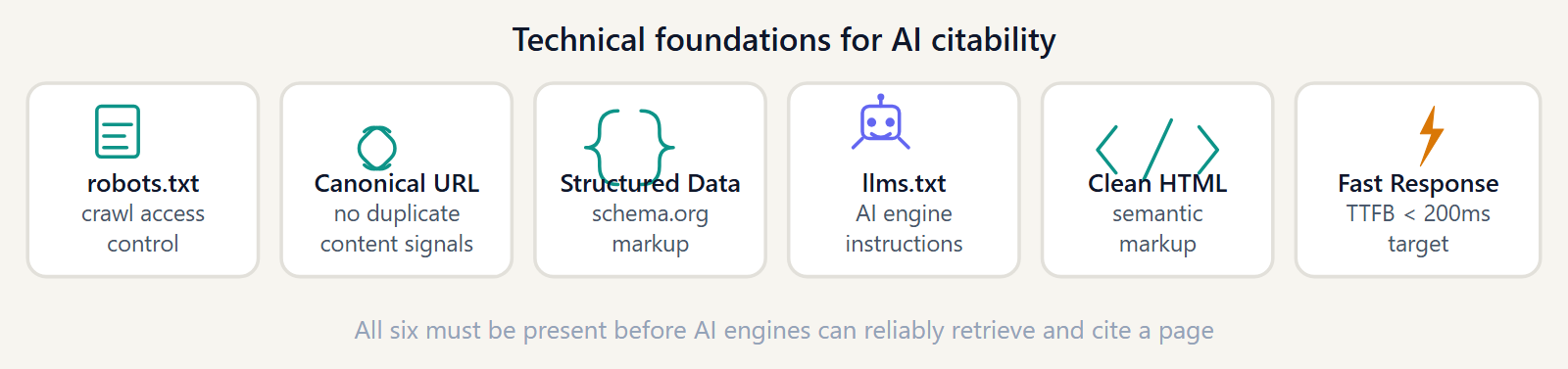
A huge number of sites block ChatGPT without anyone deciding to. It usually happens by accident — a security plugin, a CDN default, or a robots.txt copied from another project during a migration. Here's how to check if that's you, and the exact fix.
The robots.txt rule that silently blocks every AI bot
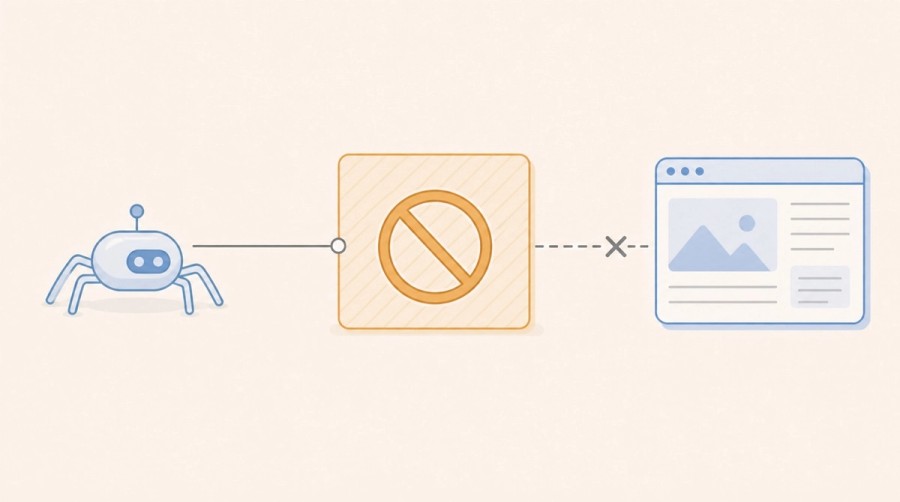
The most common culprit is a broad rule like this, often added during 2023–2024 out of concern about AI scraping:
User-agent: *
Disallow: /
This blocks everything, including the citation crawlers that let your site show up in ChatGPT and Perplexity answers — not just the training crawlers people were originally trying to stop.
How to check your current robots.txt
Fetch it directly:
curl https://yoursite.com/robots.txtLook for explicit entries for GPTBot, OAI-SearchBot, PerplexityBot, ClaudeBot, and Google-Extended. Our complete AI bots reference covers all 27 crawlers and what each one actually does.
The fix: a minimal AI-friendly robots.txt
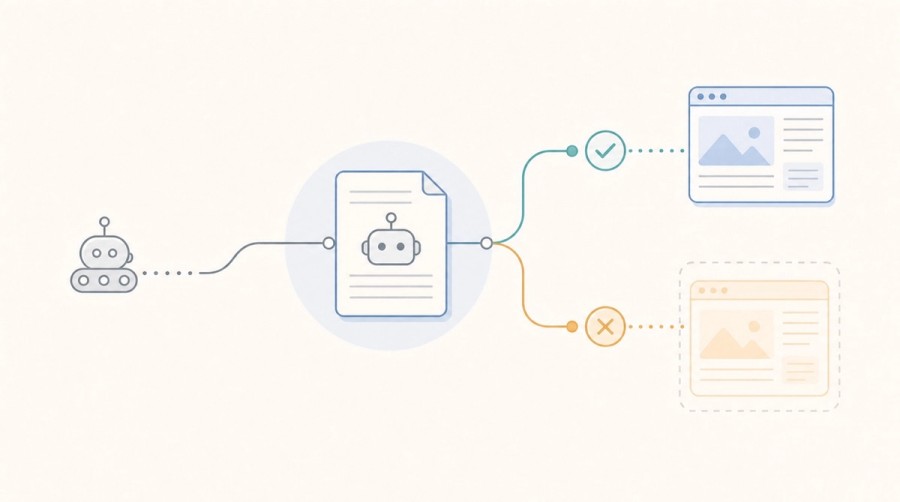
Replace a blanket block with explicit allow rules for the crawlers you want, leaving everything else untouched:
User-agent: OAI-SearchBot
Allow: /

User-agent: PerplexityBot
Allow: /

User-agent: ClaudeBot
Allow: /

User-agent: Google-Extended
Allow: /Training bots vs. citation bots: know the difference before you block anything
Training crawlers (GPTBot, Google-Extended, ClaudeBot's training pass) feed model training data. Citation crawlers (OAI-SearchBot, PerplexityBot) fetch pages to answer a live query and cite them. You can block one category without blocking the other — see our 5-minute test to check exactly which bots can reach your site.
Verify the fix worked
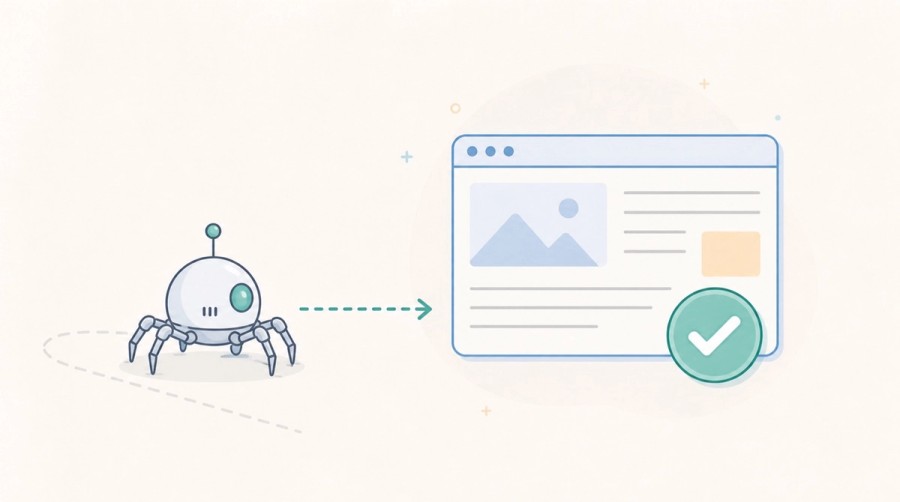
After editing robots.txt, re-run GeoReady's free AI Citation Checker to confirm the crawlers you care about now have access, rather than assuming the edit worked.
Further reading
Apply this guide
Find the technical blockers before adding more content.
Run the audit when the guide points to crawler access, structured data, llms.txt, or parsing issues that can stop AI systems from using the page.
- Best for crawlability, schema, robots.txt, and llms.txt work.
- Next metric: pass/fail technical signals before content rewriting.
Frequently asked questions
Does Disallow: / block ChatGPT?
Yes. A bare 'User-agent: * / Disallow: /' blocks every well-behaved crawler, including GPTBot and OAI-SearchBot, along with Perplexity, Claude, and Google's AI crawlers. It's the single most common reason a site is invisible to AI search.
Which robots.txt line specifically targets ChatGPT?
Two separate user-agents matter: 'User-agent: GPTBot' controls OpenAI's training crawler, and 'User-agent: OAI-SearchBot' controls the crawler behind live ChatGPT search citations. Check both independently.
Will blocking GPTBot stop my site from being cited in ChatGPT answers?
Not necessarily. GPTBot only affects training data collection. If OAI-SearchBot is still allowed, your pages can still be retrieved and cited in live ChatGPT search results even with GPTBot disallowed.
How long after fixing robots.txt until AI bots visit again?
It varies by crawler and site authority, ranging from a few days to a few weeks. Re-run a check after any fix to confirm the new rules are being respected before assuming it's just a timing issue.
Get the monthly State of GEO report
AI search readiness benchmarks, adoption stats, and the actions that move the needle — delivered monthly. No spam.
By submitting, you agree to receive the monthly GeoReady newsletter: benchmark data from the State of GEO dataset, practical GEO guidance, and product updates. You can unsubscribe anytime. See our Privacy Policy.